Manhunt
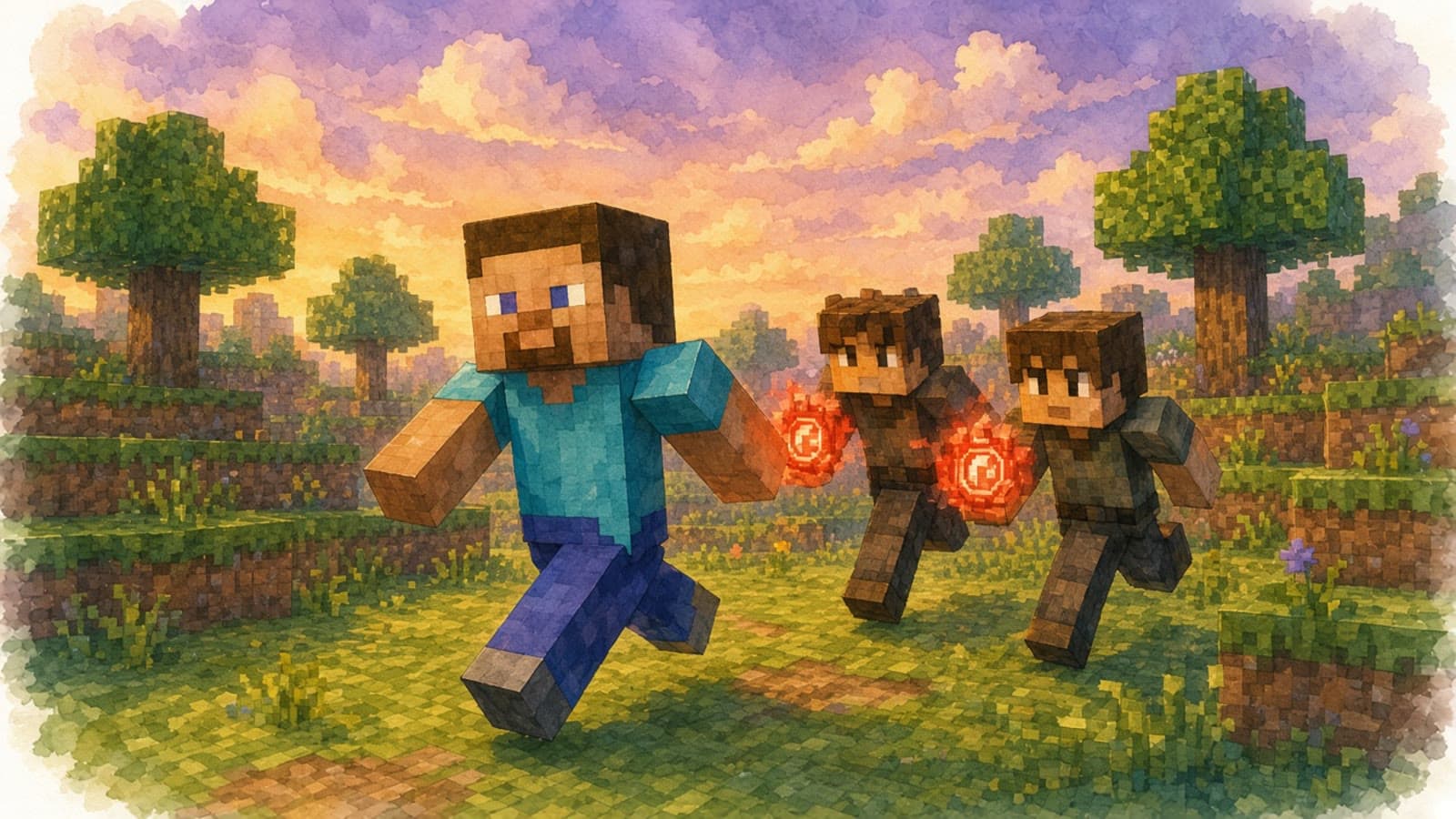
One runner, a team of hunters and tracking compasses. Plan a Minecraft chase with 2–6 friends.
Fun Minecraft maps and minigames, ready for your friend group. No setup, no server configs. Just pick a world, invite your friends, and play.
Explore Minecraft minigames for your next game night. Find a game for your friend group and join the beta waitlist.
One runner, a team of hunters and tracking compasses. Plan a Minecraft chase with 2–6 friends.
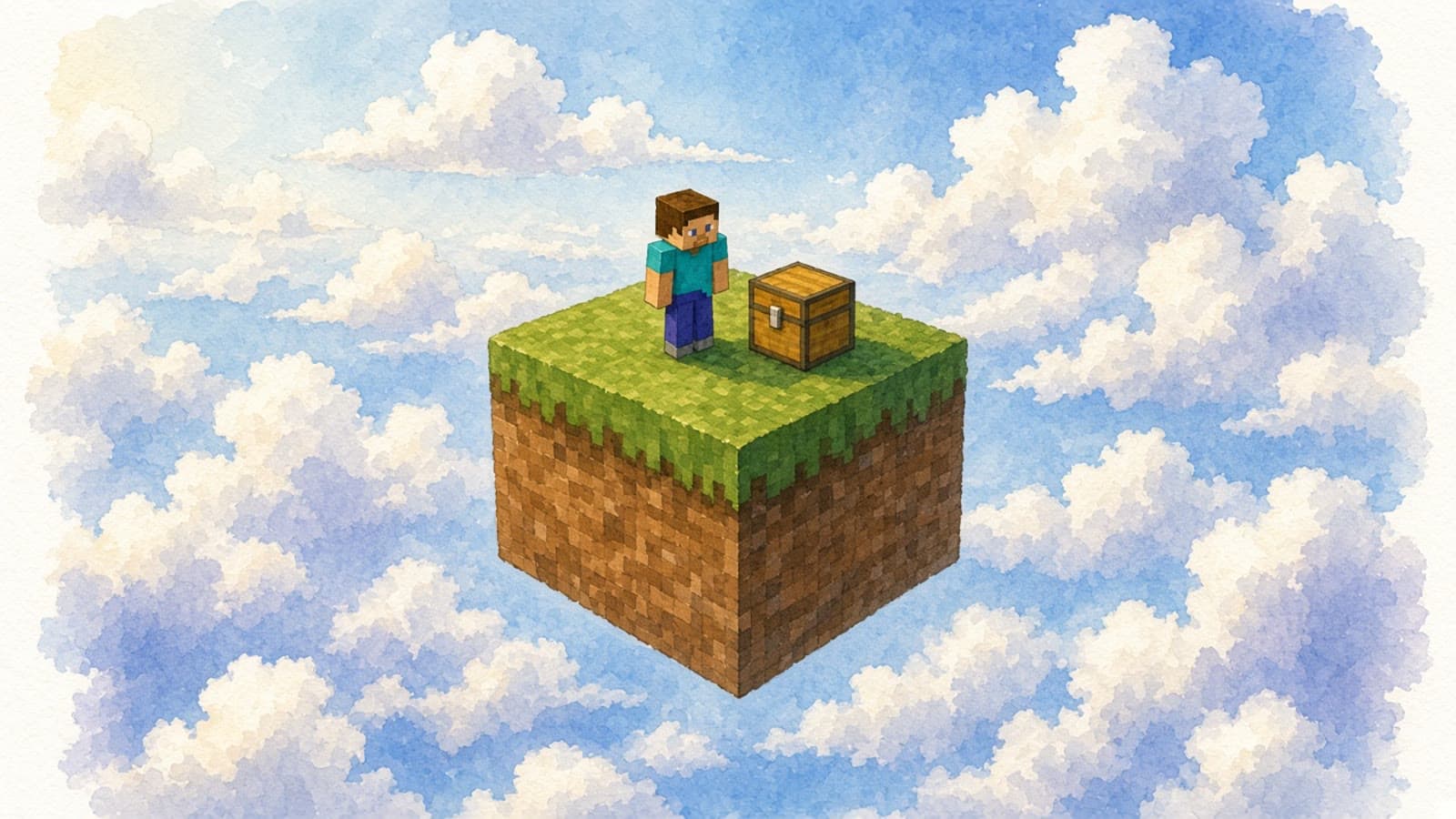
Mine a regenerating block and turn its resources into a shared Minecraft island.
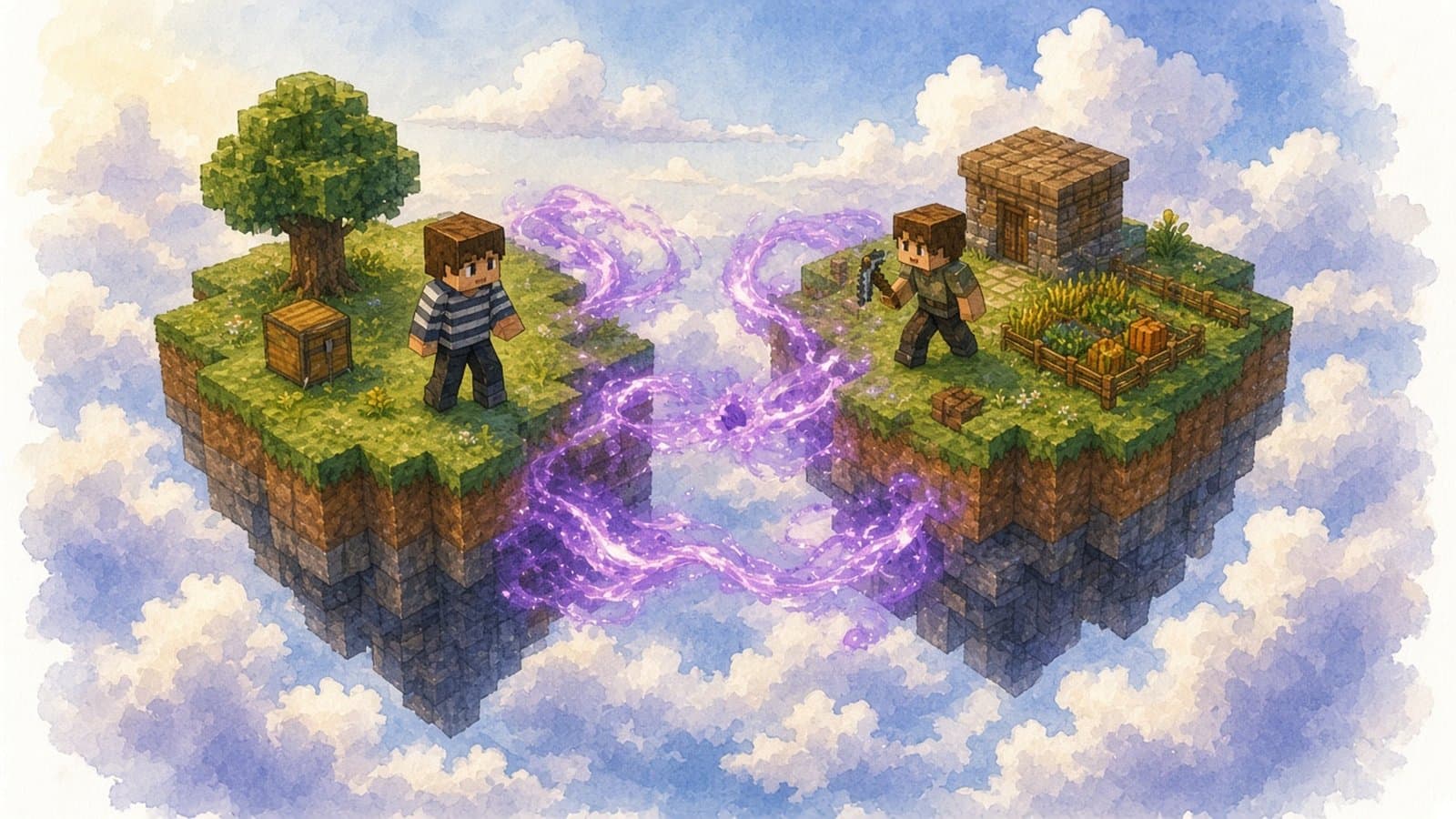
Swap places on a timer and try to kill your friends with traps before they kill you.
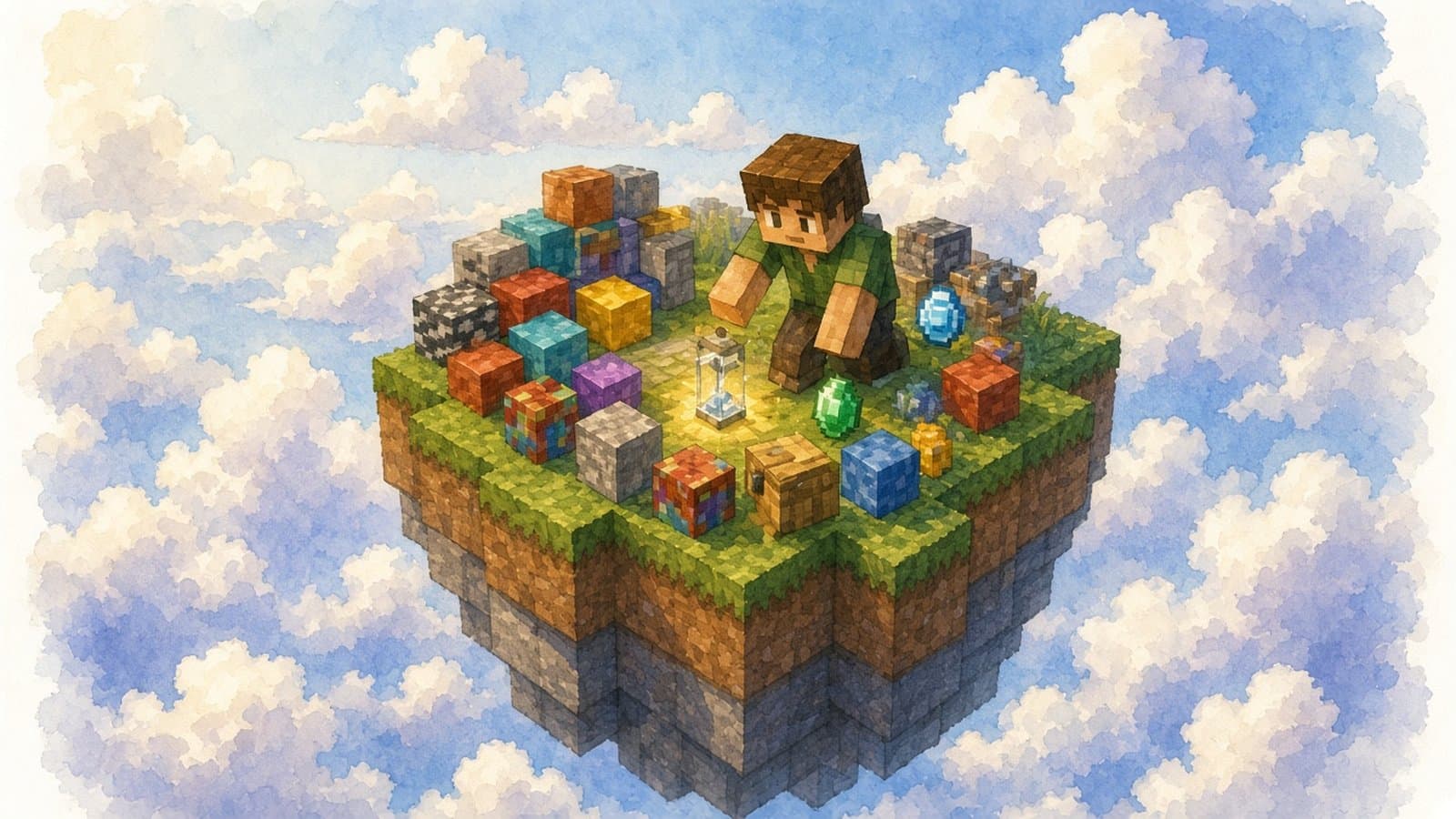
Race your friends to find the assigned Minecraft block before time runs out.
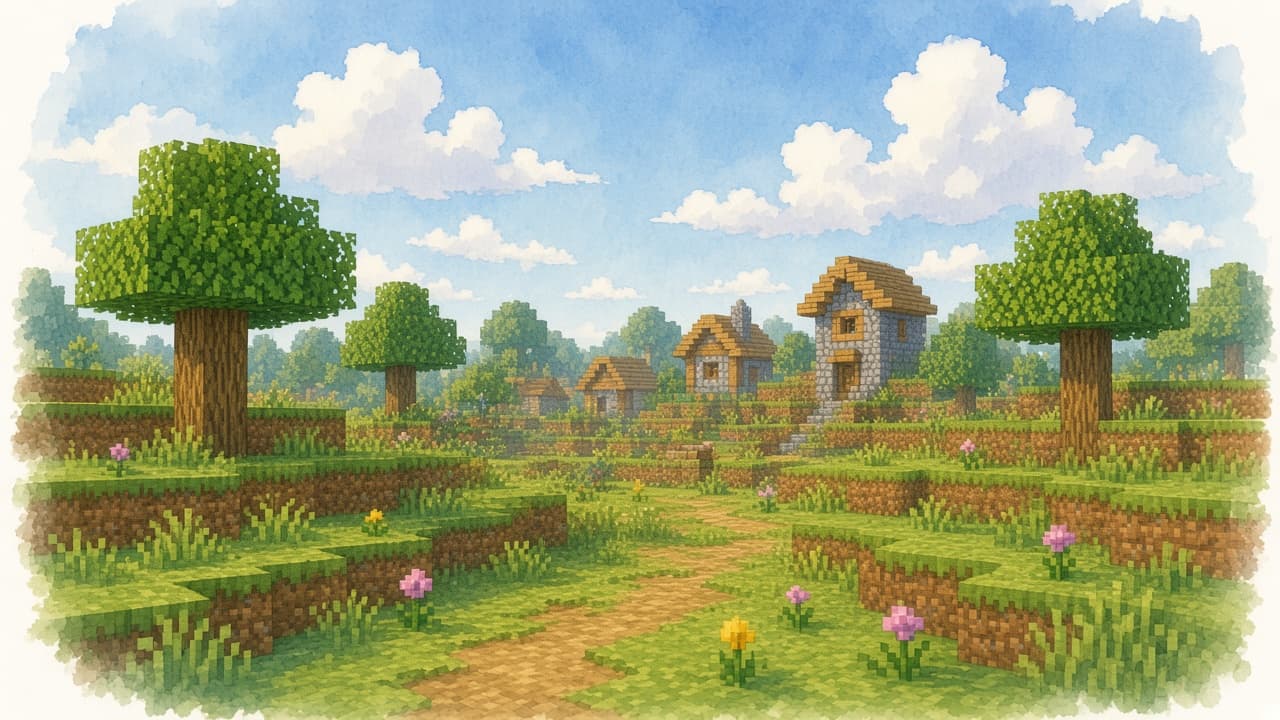
Start a fresh Minecraft survival world for exploring and building with friends.
Pick a world, invite your friends, and play. Worlder takes care of the server configuration.
Choose from our collection of maps and minigames.
During beta, create a world and wait until it is active.
Share the server address and join through Minecraft Java Edition.
Why Worlder?
Choose a Minecraft mode from one catalog.
Play popular maps. No setup required.
Plan a Minecraft session for your own group.
Share your server address when your world is active.
A simpler way to plan your Minecraft night. Beta access is coming.
Planned launch pricing. Worlder is currently a waitlist; joining does not start a subscription. Features and limits may change before launch.
$0
$7.99/ month

I created Worlder because playing games with friends shouldn't start with hours of setup.
I've spent way too many evenings configuring servers, setting up networking, and downloading maps and gamemodes before we could actually start playing. It shouldn't be that difficult.
With Worlder, I want hosting a game night with friends to feel as easy as streaming a movie. Pick what you want to play, invite your friends, and jump in. Worlder takes care of the rest.
I hope you enjoy using Worlder as much as I've enjoyed building it!
Worlder is accepting waitlist signups ahead of public launch. Join the waitlist for news about beta access and the games available to your group.
Worlder worlds are Minecraft: Java Edition for now. Each player needs a Minecraft copy and account. Use the Java launcher and match the version shown for your map so you can join.
Once you have beta access and your world is active, share its server address with your friends. They join through Minecraft Java Edition's Multiplayer menu. A Worlder sign-in is needed to create and manage the world.
World uploads and automatic backup restoration are planned features. They are not currently advertised as available during beta, so do not rely on them to protect an existing world.
Startup time varies by mode. Wait until Worlder shows the world as active before connecting or asking your friends to join.
Explore the Minecraft catalog and join the waitlist for beta access.