Minecraft Java Edition · Beta catalog
Minecraft OneBlock with friends
Mine a regenerating block and turn its resources into a shared Minecraft island.
- Players
- 1–8
- Minecraft version
- Java 1.21.11
- Game type
- Survival
- Difficulty
- Medium
Worlder is accepting waitlist signups ahead of public launch. Mode player counts describe the game; beta access and plan limits may differ. A Minecraft Java Edition copy and account are required.
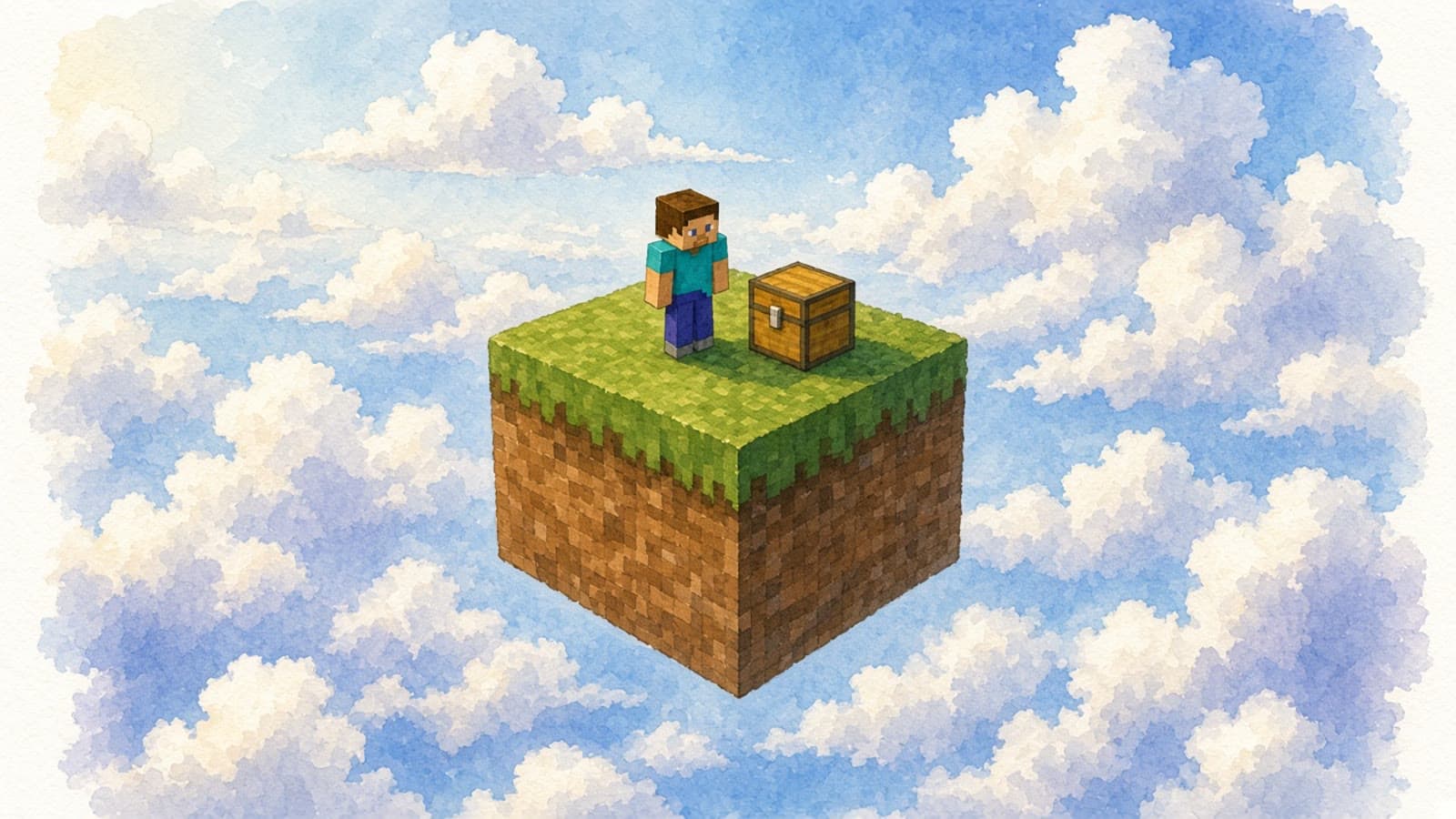
How OneBlock works
OneBlock turns a single regenerating block into the starting point for a survival world. Collect what it provides, make room to build and coordinate how your group uses limited supplies. It is a good choice for friends who want a shared building project with a different starting challenge from ordinary survival.
Getting your group into the game
- Join the waitlist for news about beta access. Once you have access, sign in to Worlder and choose OneBlock from the Minecraft catalog.
- Create the world and wait for it to become active. Startup time varies by mode.
- Open Minecraft Java Edition 1.21.11, select Multiplayer, then Add Server. Enter the server address shown by Worlder and share it with your friends.
Setup and first steps
Use /island to explore the island setup and co-op options. Keep space around the regenerating block and agree how to share the resources it produces.
Before your Minecraft night
Everyone should use the Java version listed above. Bedrock and console crossplay are not currently advertised as supported. World uploads and automatic backup restoration are planned features; do not rely on them during beta. Check beta access and plan details before arranging a session.
See planned beta access and pricingMore Minecraft games for your group
- Default Survival
Start a fresh Minecraft survival world for exploring and building with friends.
Upstream content license: EPL-2.0. Worlder is an independent service and is not affiliated with Mojang or Microsoft.